

If you only use browser-based tools, any modern computer will do. But once you want to run open models on your own machine, hardware becomes the main limit on what you can make. This guide explains what matters, what different budgets get you, and when it is smarter to rent than to buy.
The graphics card is everything
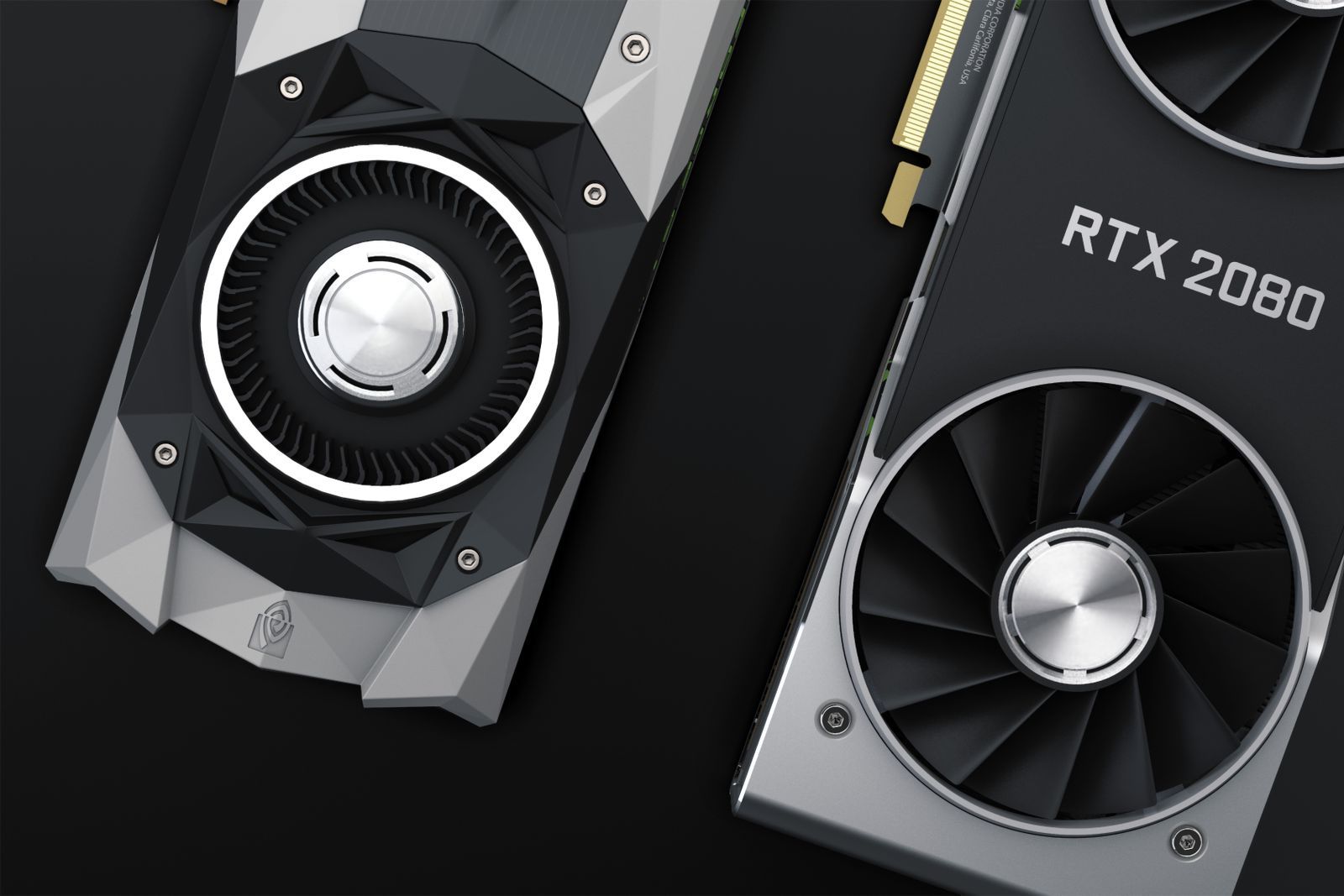
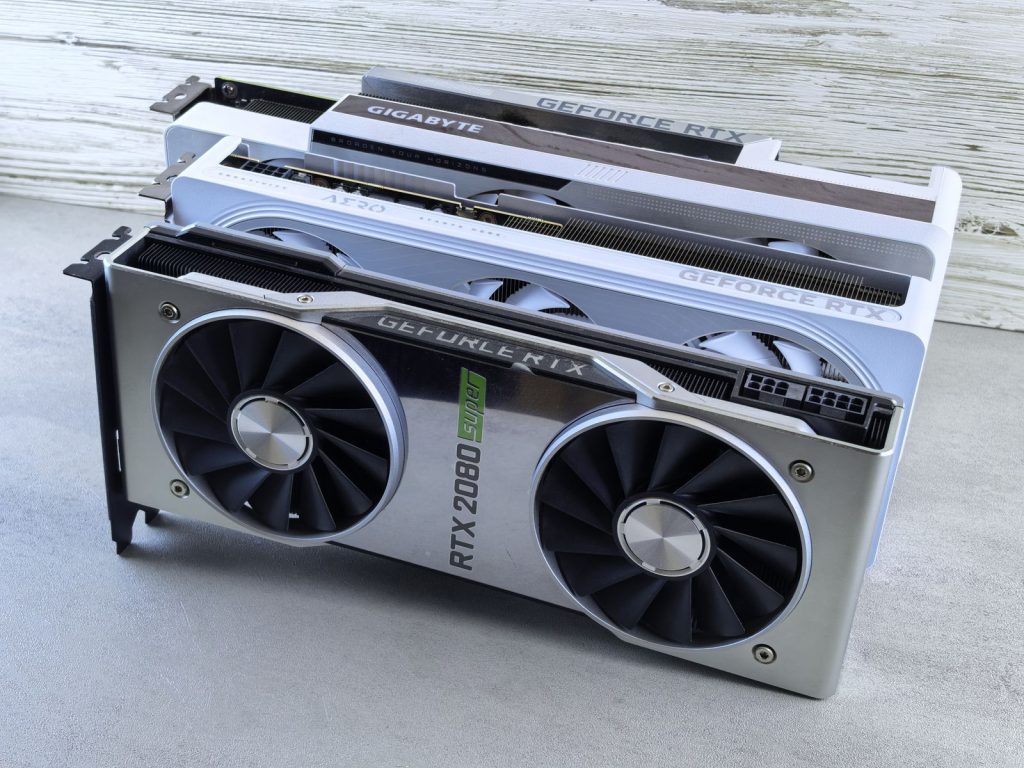
Video models run on the GPU. The processor, RAM and drive matter, but far less. When choosing hardware, almost all of your attention should go to one number: VRAM, the memory on the graphics card.
VRAM decides which models you can load, what resolution you can generate and how many frames fit in one clip. Raw speed decides how long you wait; VRAM decides whether something works at all.
VRAM tiers and what they allow
Exact numbers depend on the model and on memory-saving tricks, but these rough tiers hold for most current open video models:
| VRAM | What to expect |
|---|---|
| 8 GB | Possible with small or heavily quantised models, low resolution and short clips. Expect offloading and long waits. Fine for learning. |
| 12 GB | Comfortable for smaller models at around 480p to 720p, short clips, and most image generation. |
| 16 GB | A practical sweet spot for hobbyists. Many popular models run at 720p with quantisation. |
| 24 GB | Runs most open video models at good quality, longer clips and LoRA training for smaller models. |
| 32 GB and up | Professional workstation and data-centre cards. Higher resolutions, larger models, faster training. |
NVIDIA cards are the safest choice because most tools are built and tested on CUDA first. AMD cards work with some tools through ROCm, mainly on Linux, but expect more setup. Read VRAM, Resolution and Clip Length for how to stretch whatever card you have.
The rest of the system
System RAM
32 GB is a sensible minimum for local video work, and 64 GB helps if you rely on offloading parts of a model from VRAM to system memory. Running out of RAM causes crashes or very slow swapping to disk.
Storage
Models are large, often 5 to 30 GB each, and you will collect several plus LoRAs and output files. A fast NVMe SSD with at least 1 TB free makes loading models much quicker. Keep finished videos on a separate drive or back them up regularly.
CPU
Any recent mid-range processor is fine. The CPU handles loading, decoding and editing tasks, not the main generation.
Power and cooling
Video generation runs the GPU at full load for minutes at a time. Make sure your power supply has headroom for the card and that the case has good airflow. Thermal throttling quietly slows everything down.
Laptops
Gaming laptops with a dedicated NVIDIA GPU can run smaller video models, but laptop GPUs usually have less VRAM and lower power limits than their desktop namesakes. A laptop with 8 GB of VRAM is fine for learning and image work; for regular video generation, a desktop or cloud GPU is more practical. Keep the laptop plugged in and on a hard surface when generating.
Apple Silicon Macs
Macs with M-series chips share memory between the CPU and GPU, so a Mac with lots of unified memory can load surprisingly large models. Support for video models is improving, but many tools and optimisations arrive on NVIDIA first, and generation is generally slower than on a comparable high-end NVIDIA card. A Mac is a good choice if you already own one with 32 GB or more; it is rarely the cheapest way to buy video-generation speed.
Buy or rent?
Buying makes sense if you generate most days, value privacy, and want no per-hour cost. Renting a cloud GPU makes sense if you:
- generate occasionally or in bursts around projects;
- want access to high-VRAM cards you could not justify buying;
- are still learning and do not yet know which models you will use.
A useful test is to rent for a month first. If you find yourself using it for many hours every week, buying will pay off. Our guide Renting a Cloud GPU for AI Video covers the practical steps.
Suggested setups by budget
- Learning on what you have: any 8 GB+ NVIDIA card, small models, short clips, plus a hosted tool for bigger shots.
- Serious hobbyist: a 16 GB card, 32–64 GB RAM, 2 TB NVMe SSD.
- Semi-professional: a 24 GB card, 64 GB RAM, fast storage and a backup drive.
- Professional or studio: workstation cards or rented data-centre GPUs, chosen per project.
Mistakes to avoid when buying
- Buying for speed instead of memory. Two cards can benchmark similarly in games and be very different for AI because of VRAM.
- Ignoring the power supply. High-end cards draw a lot of power; an undersized supply causes random shutdowns under load.
- Skimping on storage. A slow or nearly full drive makes loading models painful and fills up faster than you expect.
- Buying before testing. Rent a similar GPU for a few hours and run the exact models you want before spending hundreds or thousands.
Making the most of modest hardware
If your card is on the small side, you can still do a lot. Generate at a lower resolution and upscale afterwards. Keep clips short and join them in an editor. Use quantised versions of models, which trade a small amount of quality for a large saving in memory. Close other GPU-hungry programs, including browsers with many tabs, while generating. And design key frames as still images first: image generation needs far less memory than video, so you only spend video time on shots you already know you want.
Frequently asked questions
Can I generate AI video without a GPU?
Locally, it is technically possible on a CPU but far too slow to be practical. Use hosted tools or a cloud GPU instead.
Is a newer card always better?
Not if it has less VRAM. An older card with more memory can run models a newer, smaller card cannot.
How much disk space do models take?
Plan for 50 to 200 GB once you have a few models, LoRAs and outputs.
