


Every AI video creator eventually faces the same question: should I generate in the cloud, through a website or rented GPU, or locally on my own machine? Both work. They differ in cost, privacy, control and effort, and the right answer depends on how you work. This guide lays out the trade-offs clearly.
What we mean by cloud and local
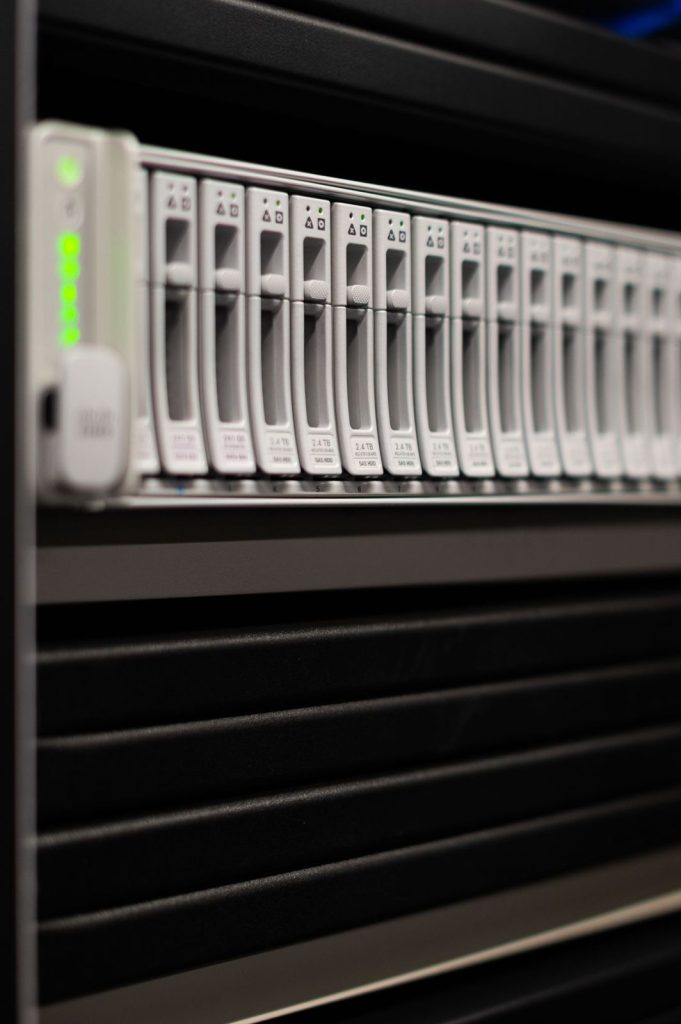
Cloud covers two things: hosted generator websites where you type a prompt and get a clip, and rented cloud GPUs where you run open models on someone else’s hardware. Local means running a model on a computer you own, usually with a powerful NVIDIA graphics card.
Cost
Hosted services
You pay a subscription or buy credits. Costs are predictable and start low, but they scale with volume. Heavy users can spend a lot each month, especially at high resolutions.
Rented GPUs
You pay per hour for the machine. Costs depend on the card and provider and on how efficiently you work. Leaving an instance running while you think is the classic way to waste money.
Local
You pay up front for hardware, then only for electricity. If you generate a lot, local becomes the cheapest per clip after some months. If you generate rarely, the hardware sits idle and cloud is cheaper.
Privacy
Local generation is the clear winner. Your prompts, reference images and outputs never leave your machine. Hosted services store at least some of your data, and some use it to improve their models unless you opt out. Rented GPUs sit in between: the provider could in principle access the machine, but you control the software and can delete everything when you finish.
If you work under NDAs, with unreleased products or with personal material, local or carefully managed rented GPUs are the safer route.
Control
Locally and on rented GPUs, you control everything: model version, settings, custom LoRAs, workflows and content rules. Nothing changes unless you change it. Hosted tools decide which models you get, may update them without notice and apply their own content filters and prompt rewriting. For repeatable professional work, that control matters.
Quality and features
Some of the most capable video models are only available as hosted services, so for certain shots the cloud gives the best quality available. On the other hand, open models have improved fast and, combined with custom LoRAs and control tools, can match or beat hosted tools for many styles. Hosted tools tend to win on convenience features such as integrated editing, while local setups win on customisation.
Speed
Hosted services run on powerful data-centre GPUs, so a single clip may come back quickly, but queues at busy times can add waiting. Locally, speed depends entirely on your card. A mid-range GPU might take several minutes per clip; a high-end one far less. Rented GPUs let you pick the speed you pay for.
Setup effort
Hosted tools need a browser and an account. Local setups need drivers, Python environments or a packaged app, model downloads and some troubleshooting. Expect an afternoon for your first working setup and occasional maintenance after that. Our guide Running an AI Video Model Locally walks through it.
Content policy
Hosted tools apply their own policies. Locally, there is no automatic filter, which is why most “uncensored” workflows are local or on rented GPUs. That also means you are fully responsible for what you create and must apply your own rules on consent, minors and impersonation.
Side-by-side summary
| Factor | Hosted service | Rented GPU | Local |
|---|---|---|---|
| Up-front cost | None | None | High |
| Cost at high volume | High | Medium | Low |
| Privacy | Lowest | Medium | Highest |
| Control | Low | High | High |
| Setup | Minutes | An hour or two | An afternoon |
| Content filters | Provider’s | Yours | Yours |
How to decide
- Just starting, occasional use: hosted tools.
- Learning open models without buying hardware: rented GPU.
- Daily use, privacy-sensitive work, full control: local, with a cloud GPU for peak demand.
- Need a specific closed model: hosted for those shots, local or rented for the rest.
Many creators end up hybrid. That is not indecision; it is using each option for what it does best.
A realistic monthly comparison
Imagine you need about 200 usable five-second clips a month, and you keep roughly one generation in three. That is around 600 generations.
- On a hosted service, 600 generations at a high-quality setting may require a top-tier plan or extra credit packs. It is simple and fast, but the bill grows with every extra project.
- On a rented GPU, 600 generations might take 20 to 50 hours of GPU time depending on the model and card. Working efficiently, with batches queued and the instance shut down between sessions, keeps costs moderate.
- Locally, the same work costs only electricity once you own the card. Over a year or two, that usually beats both cloud options for a volume like this.
Now imagine you need only 15 clips a month. The hardware would sit unused most of the time, and a hosted plan or a few hours of rented GPU is clearly cheaper. Volume is the deciding factor more often than anything else.
Hidden costs to remember
Local setups have costs that are easy to forget: your time spent on setup and updates, extra storage for models, a bigger power supply, and the electricity for long runs. Cloud setups have their own: data transfer, storage for models on rented machines, and credits lost to failed or refused generations. Count both sides honestly before deciding.
Bottom line
Start in the cloud, learn what you actually make and how often, and move to local hardware only when the numbers and your privacy needs justify it. There is no prize for owning the biggest card; the prize is finished, usable video at a cost you are comfortable with.
Frequently asked questions
Is local generation always cheaper?
Only if you use it a lot. Divide the hardware cost by the clips you will make over its life and compare.
Can I move a workflow from local to a rented GPU?
Yes. Node-based workflows such as ComfyUI files can usually be copied across along with the models.
Do hosted tools see my uploaded images?
They process and usually store them. Check the provider’s data and training policy.
