
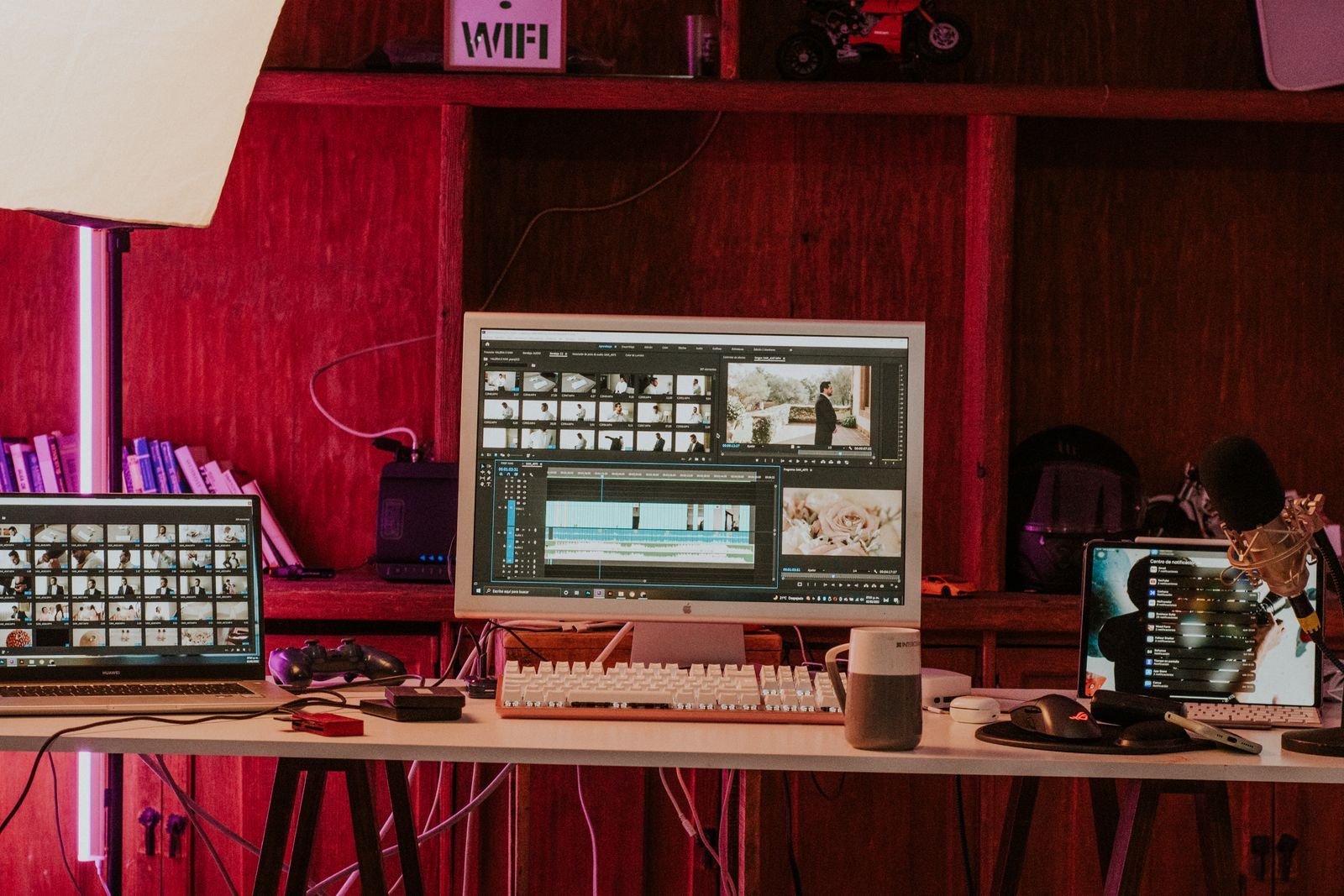

“AI video tool” covers two very different kinds of software. AI video generators create new footage from prompts and images. AI video editors help you cut, caption, clean up and repurpose footage you already have. People often buy one when they actually need the other. This guide explains the difference and how the two fit together.
What AI video generators do
Generators create pixels that did not exist before. You describe a scene, upload a reference image or provide a source clip to restyle, and the model produces new video. They are the right choice when you need:
- shots that would be expensive, dangerous or impossible to film;
- stylised or fantastical visuals;
- B-roll and atmosphere without stock footage;
- concept previews and pitch visuals;
- animated characters and scenes.
Their weaknesses are length, consistency across many shots, precise control and anything involving readable text.
What AI video editors do
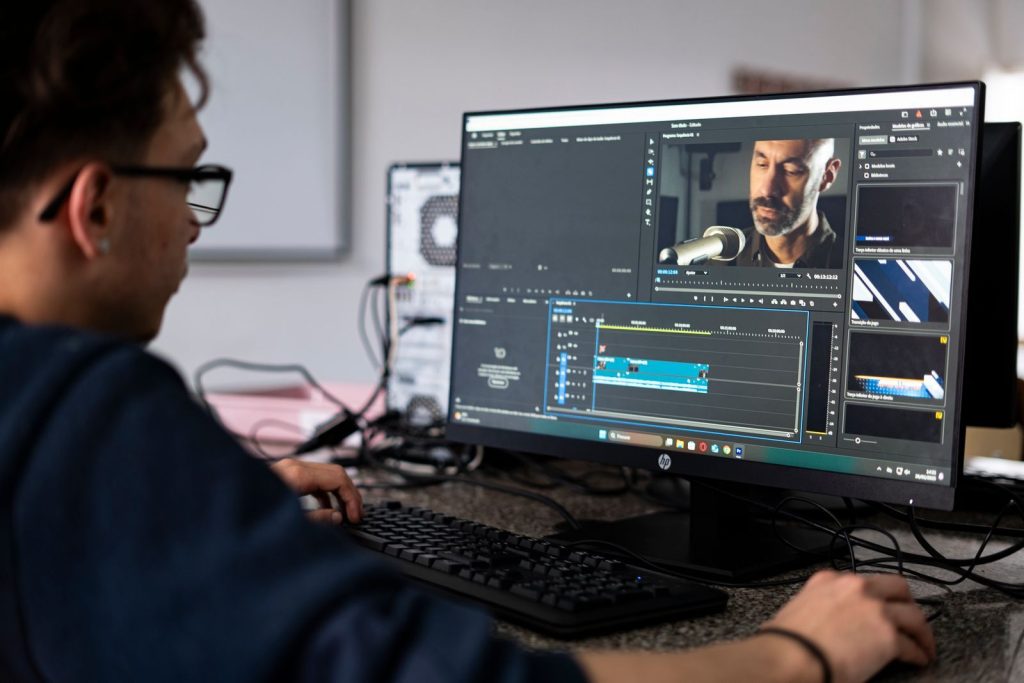
AI video editors are traditional editing software with AI features built in, or new apps built around AI assistance. Common features include:
- Automatic transcription and captions, often with styled, animated subtitles.
- Text-based editing: delete words from the transcript and the matching video is cut.
- Silence and filler-word removal for talking-head videos.
- Auto-reframing from 16:9 to 9:16, keeping the subject centred.
- Clip finding: picking highlight moments from long recordings for short-form posts.
- Background removal without a green screen.
- Audio cleanup: noise reduction, voice enhancement and level matching.
- Object removal and simple visual fixes.
- Translation and dubbing.
Editors do not invent new scenes. They make existing footage faster to work with and more polished.
Where they overlap
The line is blurring. Some editors now include small generation features, such as extending a shot by a second, generating B-roll from a prompt, or filling a background. Some generators include basic trimming and stitching. But the core strengths remain separate: generators for creation, editors for assembly and finishing.
Which do you need?
| Your situation | Main tool |
|---|---|
| You record podcasts, tutorials or talking-head videos | AI editor |
| You need visuals you cannot film | AI generator |
| You repurpose long videos into short clips | AI editor |
| You make music videos, fiction or concept art in motion | AI generator plus editor |
| You need captions and translations | AI editor |
| You make product ads with stylised shots | Both |
A combined workflow
For anything longer than a single clip, generated footage needs an editor. A practical workflow looks like this:
- Script and shot list, deciding which shots will be filmed, generated or taken from stock.
- Generate the AI shots, several takes each.
- Import everything into the editor and build a rough cut.
- Use editor AI features for captions, audio cleanup and reframing.
- Return to the generator for any missing or weak shots identified in the rough cut.
- Finish with colour, music, sound effects and export.
Moving back and forth like this is normal. The edit shows you which shots you actually need, which saves generating material that never gets used. See Editing AI Clips Into a Finished Video for detailed editing advice.
Choosing an editor for AI footage
When your footage comes from a generator, look for an editor that:
- handles different frame rates smoothly, because AI clips may come at 16, 24 or 30 fps;
- offers speed ramping and frame blending for short clips;
- has good colour tools to match shots from different generations;
- supports transitions and overlays that hide small artifacts;
- exports in the formats your platforms need.
Free editors can handle all of this well. You do not need expensive software to produce good AI videos.
Cost considerations
Generators usually charge per clip or per second, so costs scale with how much you create. Editors usually charge a flat subscription or one-off price, and many AI editing features are included. If your budget is tight, a free editor plus careful use of a generator is enough to start. If you mainly work with recorded footage, an AI editor will save more time than any generator.
Privacy and content policies
Both kinds of tool may process your footage in the cloud. AI editors that transcribe or translate send audio to servers; generators send prompts and images. For confidential work, check the data policy of each tool, or choose desktop software that processes locally. Content policies matter mostly for generators, since editors work with footage you already have.
Common mistakes
- Expecting a generator to edit. Generators make clips; joining, pacing and sound still need an editor.
- Expecting an editor to invent shots. If you need a dragon over a castle, no amount of auto-captioning will produce it.
- Paying for two overlapping subscriptions. Check which AI features your existing editor already includes before buying another app.
- Skipping the rough cut. Generating every shot before editing anything wastes credits on shots the edit will not need.
Avoiding these four mistakes alone will save most new creators both money and frustration in their first few months.
A note on teams
If several people work on the same videos, choose tools that share projects and assets easily. Generators with team libraries and editors with shared workspaces prevent the classic problem of five versions of the same clip scattered across laptops, each with different settings and nobody sure which is final.
Frequently asked questions
Can an AI editor generate B-roll?
Some can produce short clips or stock suggestions, but dedicated generators give more control and quality.
Do I need an AI editor if I use a generator?
You need some editor to join clips, add sound and export. It does not have to be an AI one.
What is text-based editing?
Editing the transcript of a video as if it were a document, with the video cut to match automatically.
Bottom line
Think of generators as your camera and editors as your edit suite. A camera alone does not make a film, and an edit suite cannot invent footage you do not have. Most creators who produce consistently good AI video use one of each, chosen to fit their projects and budget, and treat the edit as the place where the real video takes shape.
