

Music videos are one of the best uses of AI video. They reward strong visuals and mood over complex dialogue, they are built from short shots anyway, and independent musicians rarely have budgets for traditional shoots. This guide walks through creating an AI music video from concept to release.
Start with the concept
A good music video has a clear idea that fits the song. Three common approaches:
- Narrative: a short story that runs alongside the lyrics, often with one or two characters.
- Conceptual: a visual theme or world, such as a city underwater, a journey through seasons or a collection of surreal images tied to the lyrics.
- Performance-led: the artist or a stylised character performing, mixed with imagery.
AI excels at conceptual and atmospheric approaches. Narrative works well with planning. Realistic performance with accurate lip sync is the hardest, but stylised performance can work.
Map the song
Listen to the song repeatedly and write a timeline:
- sections: intro, verse, pre-chorus, chorus, bridge, outro, with timestamps;
- energy level of each section;
- key lyrics or musical moments that deserve a special image;
- the tempo in beats per minute, which guides cut timing.
Plan a visual change for each section: verses might be calmer and more intimate, choruses brighter and more expansive, the bridge visually different from everything else.
Define a visual style
Consistency makes a music video feel professional. Decide:
- a colour palette for the whole video or each section;
- a style phrase used in every prompt, for example “grainy 16mm film, warm amber and deep blue, soft halation”;
- character designs if you use characters;
- recurring motifs, such as a red balloon or a lighthouse, that tie scenes together.
Create a style frame and character references before generating video.
Build a shot list
A three-minute song at a moderate pace might need 60 to 100 shots, with cuts every 2 to 4 seconds, faster in choruses. List each shot with its section, timing, content, camera move and generation method. Storyboard key moments with images first; see Storyboarding With AI Images.
Generate in batches by section
Work section by section so the style stays consistent within each. Generate several takes per shot. Image-to-video from key frames gives the most control; text-to-video works well for atmospheric B-roll. Create a few extra shots per section to give the edit flexibility.
Editing to the beat
- place markers on the beats in your editor, either by tapping along or using automatic beat detection;
- cut on strong beats in choruses, and on phrases or longer intervals in verses;
- match motion to music: slow motion on held notes, fast cuts on drum fills;
- use speed ramps to align movements with accents;
- save your most striking shots for the first chorus and the climax.
Pacing variation keeps a three-minute video interesting. Not every section should cut at the same speed.
Performance shots
If the artist wants to appear:
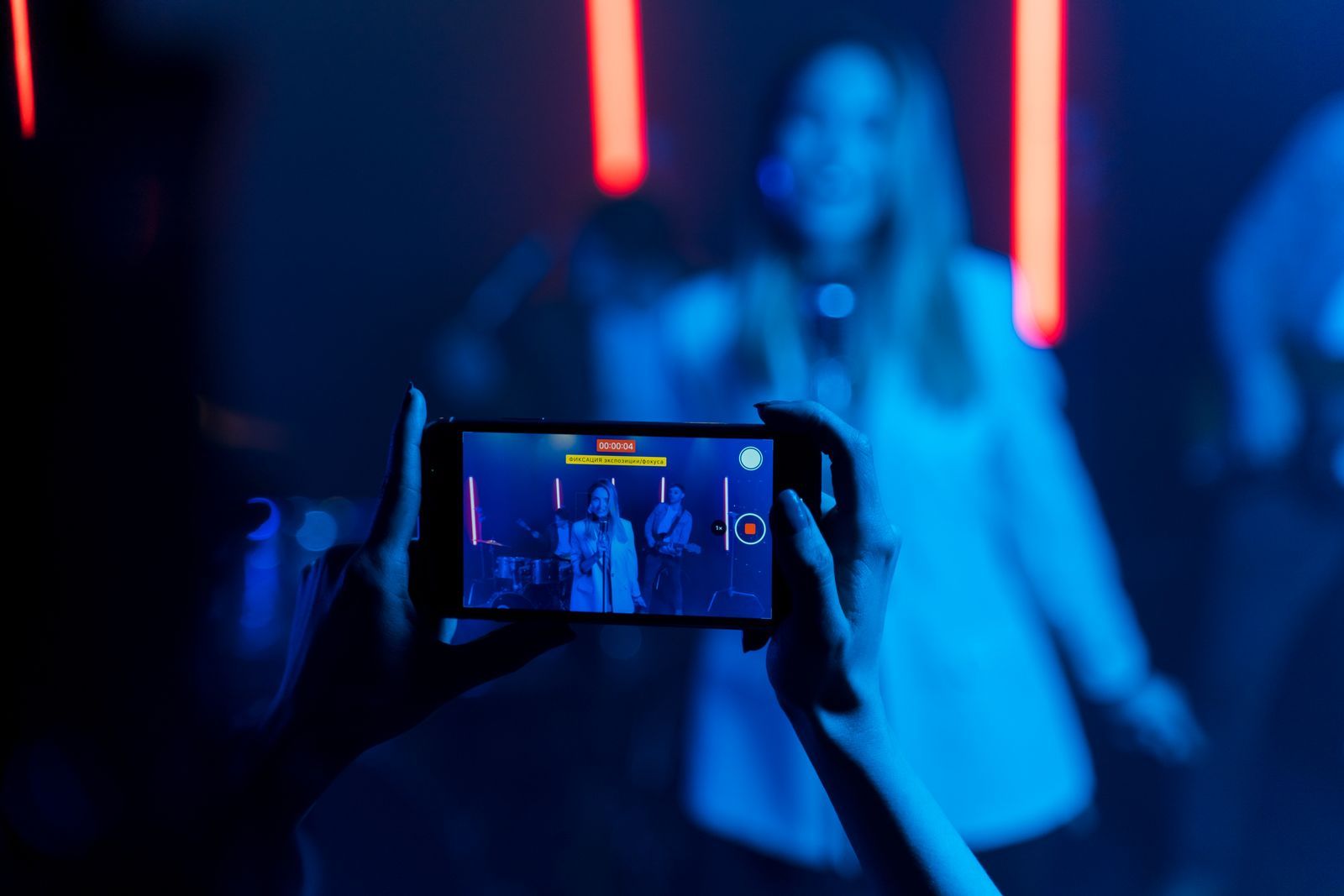
- Film real performance on a phone against a simple background, then use video-to-video to stylise it. Real motion and lip movement stay accurate.
- Stylised avatars: create an animated character based on the artist, with their consent, and use lip sync for short sections.
- Implied performance: silhouettes, hands on instruments, backs to camera and wide shots avoid lip-sync challenges.
Rights and consent
- The musician must own or control the rights to the song, or have permission from the rights holder.
- Any real person whose likeness is used, including band members, needs to agree.
- Check the licences of your AI tools and models for commercial use, especially if the video will be monetised or used in promotion.
- Do not imitate a famous artist’s existing music video closely enough to cause confusion.
Finishing and release
- grade the whole video consistently;
- upscale to at least 1080p for YouTube, ideally 4K for flagship releases;
- add the artist name and song title in a clean typeface;
- create vertical cut-downs of the chorus for short-form platforms;
- label AI generation where platforms require it, and consider mentioning it in the description: many audiences appreciate the craft.
Budget and time
A solo creator can make a strong AI music video in one to three weeks of part-time work, depending on complexity. Costs are mainly generation credits or GPU time, music licensing is usually handled by the artist, and the editor can be free. Compared with traditional shoots, it is a fraction of the cost, but planning time is just as important.
A sample section plan
| Section | Visual idea | Cutting pace |
|---|---|---|
| Intro (0:00–0:15) | Empty coastal town at dawn, slow aerial | Long, gentle |
| Verse 1 | The main character walking alone, close details | Every 3–4 s |
| Chorus 1 | Town fills with floating lanterns, wide shots | On the beat, 1–2 s |
| Bridge | Underwater dreamlike sequence, different palette | Slow, flowing |
| Final chorus | Lanterns rise into the sky, crane up | Fast, building |
| Outro | Return to the empty town, one lantern left | Long hold |
Working with the artist
If you make the video for a musician, involve them early. Share the concept, the style frame and the storyboard before generating video, and agree on how many revision rounds are included. Musicians often have strong feelings about how they and their song are represented, and early agreement prevents expensive rework. Also agree on credits and how AI use will be described publicly, so the release messaging is consistent across the artist’s channels.
Frequently asked questions
Can AI do lip sync for music videos?
For short sections and stylised characters, yes. For long realistic performance, filming real footage and stylising it with video-to-video is more reliable.
How many shots do I need?
Roughly one shot every 2 to 4 seconds of song, plus extras for flexibility. For a three-minute track, plan around 70 shots and generate a few more for the chorus sections, where you will want the most variety.
Will streaming platforms accept AI music videos?
Generally yes, if rights are clear and platform rules on disclosure are followed. Keep records of the tools and licences you used in case a distributor asks.
