
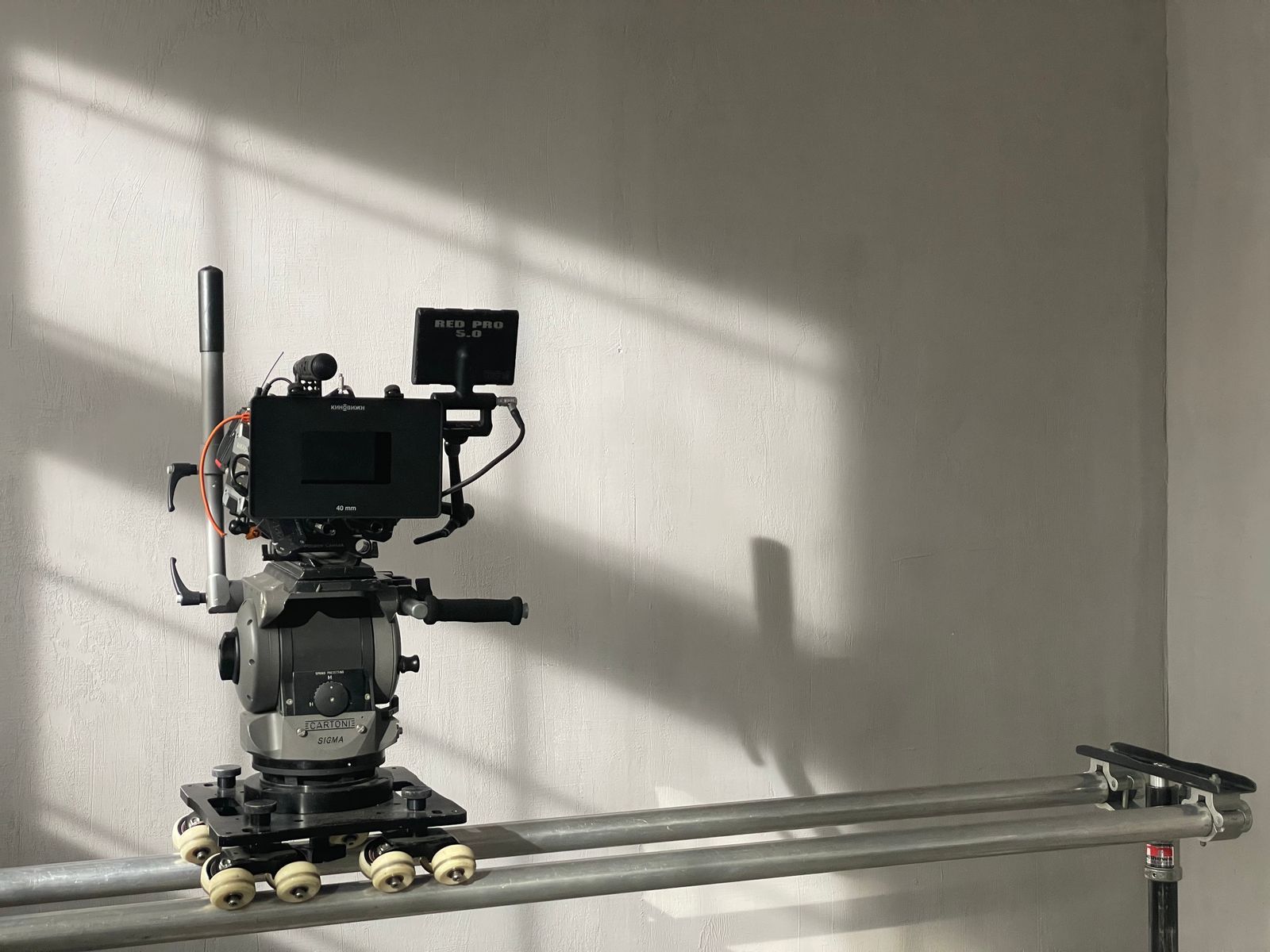

Camera movement is one of the most powerful tools in film language, and one of the best ways to make AI video feel intentional rather than random. A slow push-in builds tension; an orbit shows off a subject; a crane shot reveals a world. Video models have learned these moves from millions of clips, so you can ask for them directly, as long as you use the right words and keep it simple.
General rules
- One move per shot. Combining a pan, a zoom and an orbit in one prompt usually produces a wobbly, confused result.
- Name the speed. “Slow”, “gentle”, “steady” and “smooth” keep moves cinematic. Fast moves increase the risk of warping.
- Put the camera move near the start or in its own sentence, so the model does not overlook it.
- Use the static option deliberately. “Static camera” or “locked-off shot” is often the best choice for stable results.
- Check tool-specific controls. Some generators offer camera presets or sliders, which can be more reliable than words.
The main moves
Static shot
The camera does not move; only the subject or environment does. Ideal for dialogue, product shots and when you need maximum stability. Prompt: “Static shot, locked-off camera, a candle flickering on a wooden table in a dark room.”
Pan
The camera rotates left or right from a fixed position, like turning your head. Good for revealing a landscape or following a horizontal movement. Prompt: “Slow pan right across a misty mountain valley at sunrise.”
Tilt
The camera rotates up or down from a fixed position. Tilting up a tall building or a towering creature emphasises scale. Prompt: “Slow tilt up from the boots to the face of a knight in silver armour, overcast sky behind.”
Dolly in and dolly out (push-in and pull-out)
The camera physically moves towards or away from the subject. A push-in creates focus and tension; a pull-out reveals context or isolation. Prompt: “Slow push-in on a woman reading a letter by a window, soft afternoon light.”
Tracking or trucking shot
The camera moves alongside a moving subject, keeping pace with it. Prompt: “Tracking shot alongside a cyclist riding through a sunlit park, camera moving parallel at the same speed.”
Follow shot
The camera follows behind a subject. Prompt: “Camera follows behind a girl running down a narrow alley lined with lanterns, steadicam.”
Orbit or arc shot
The camera circles around the subject. Excellent for products, heroes and dramatic reveals, but demanding for the model because it must invent the hidden side. Prompt: “Slow 180-degree orbit around a vintage motorcycle in an empty warehouse, dramatic side light.”
Crane or jib shot
The camera rises or descends vertically, often while moving forward. Prompt: “Crane shot rising slowly above a busy night market, revealing the city skyline.”
Aerial or drone shot
A high, often gliding view. One of the most reliable moves in AI video. Prompt: “Aerial drone shot gliding forward over turquoise water and a white sand beach.”
Zoom
The lens changes focal length while the camera stays in place, which flattens perspective differently from a dolly. Many models confuse zoom and dolly; if precision matters, say “lens zoom” or “dolly” explicitly. Prompt: “Slow lens zoom in on a lighthouse on a cliff during a storm.”
Handheld
Slight natural shake for realism or documentary feel. Keep it subtle. Prompt: “Handheld camera with subtle shake, close-up of hands kneading bread dough.”
Dutch angle
A tilted horizon, for unease or energy. Prompt: “Dutch angle medium shot of a detective in a dim hallway, flickering light.”
POV
The view from a character’s eyes. Prompt: “First-person POV walking through a dense jungle, pushing leaves aside.”
Matching movement to emotion
| Feeling | Move |
|---|---|
| Tension, focus | Slow push-in |
| Loneliness, ending | Slow pull-out |
| Awe, scale | Tilt up, crane up, aerial |
| Energy, chase | Tracking, follow, handheld |
| Admiration, product hero | Orbit |
| Calm, observation | Static, slow pan |
| Unease | Dutch angle, slow creeping push-in |
Troubleshooting camera moves
- The camera does not move: move the camera instruction to the start, make it a separate sentence, or use the tool’s camera controls.
- The camera moves too much: add “slow” or “subtle”, or switch to static and let the subject move.
- The subject warps during an orbit: reduce the arc (“slow 45-degree arc”), or use image-to-video with a clear reference.
- Zoom looks like a dolly: many models treat them the same. Accept it, or create a zoom in your editor with a slow scale animation.
- Random drift in static shots: add “tripod”, “locked-off” and “no camera movement”, and use a negative prompt for “camera shake”.
Combining shots in the edit
Real films vary camera movement from shot to shot. A sequence might go: aerial establishing shot, static medium shot, slow push-in on a face, tracking shot through a corridor. Planning moves for each shot in a storyboard makes your edit feel professional. See Storyboarding With AI Images.
Fake moves in the edit
If a model refuses to give you a convincing move, you can often create it afterwards. A slow scale-up in your editor mimics a push-in; a gentle position change mimics a pan on a wide clip. Generate the shot static and at a slightly higher resolution than you need, then add the move in post. Viewers rarely notice the difference on short shots, and you keep the stability of a static generation.
Practice exercise
Pick one simple subject, such as a lighthouse on a cliff, and generate it six times with the same seed, changing only the camera move: static, pan, push-in, orbit, crane up and aerial. Watch the six clips side by side. You will learn more about how your model handles camera language in half an hour than from any list of keywords.
Frequently asked questions
Which camera move is most reliable?
Static shots, slow push-ins and aerial glides are the most consistent across models.
Can I specify the speed in numbers?
Most models do not understand exact speeds. Use descriptive words instead.
Do camera presets work better than prompts?
Often yes, when a tool provides them, because they control motion directly.
